Connect Stripe
Connect Stripe to Revenipe by creating a restricted Stripe API key with the required permissions.
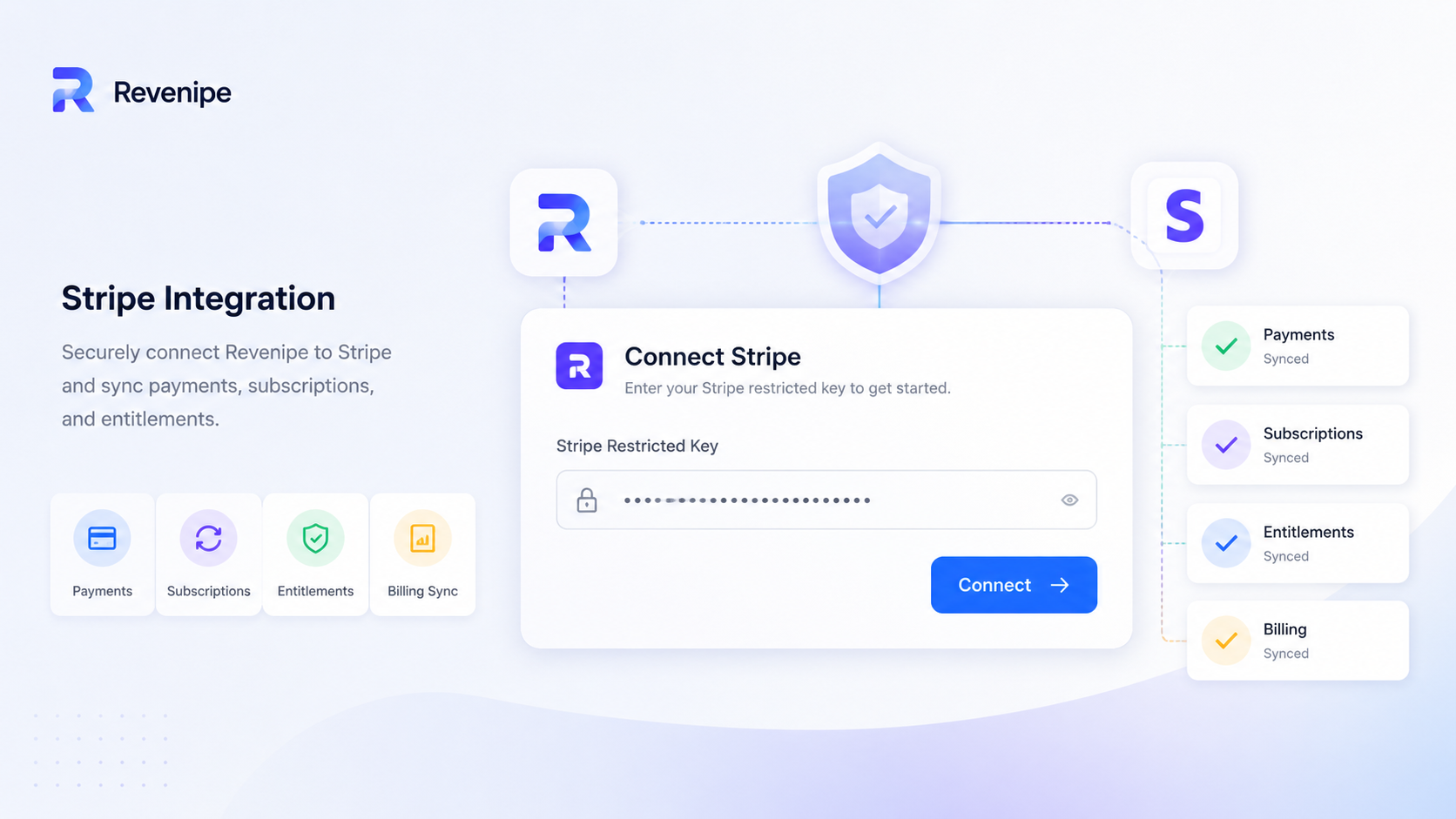
Stripe is one of the billing providers Revenipe can use to process payments, subscriptions, trials, add-ons, and one-time purchases.
To connect Stripe, create a restricted Stripe API key in your Stripe Dashboard and paste it into the Revenipe Stripe integration screen.
Why Revenipe uses a restricted Stripe key
A restricted Stripe API key gives Revenipe access only to the Stripe resources required for your billing flows.
This is safer than using an unrestricted secret key, because the key is limited to the permissions you explicitly allow in Stripe.
Step 1: Open Stripe API keys
Open your Stripe Dashboard and go to the API keys section.
Create a new restricted key. Use test mode while setting up sandbox billing, and live mode only when you are ready for production.
You can also paste your full Stripe secret key, and it will work, but we recommend using
a restricted key with only the required permissions for better security.
revenipe-sandboxrevenipe-productionRestricted keys usually start with rk_test_ in test mode or rk_live_ in live mode.
Step 3: Add the required permissions
Grant the permissions required by Revenipe.
Write permissions include read access for the same resource.
Step 4: Copy the key
After creating the restricted key, copy the key value immediately.
Stripe only shows the key value once. Store it securely before closing the dialog.
Step 5: Paste the key into Revenipe
Open your Revenipe app and go to the Stripe integration screen.
Paste the restricted Stripe API key into the input field and click Connect.
Step 6: Test the connection
After connecting Stripe, create a product, attach entitlements, and run a test purchase in sandbox mode.
If a request fails because the restricted key is missing permissions, Stripe returns an error. Review your Stripe request logs, update the restricted key permissions, and test again.
Important
Use a test-mode restricted key for sandbox apps and a live-mode restricted key for production apps.
Never paste unrestricted secret keys unless you intentionally want to give broader account access. A restricted key is the recommended setup for Revenipe.
Never share Stripe keys publicly, in Discord, GitHub, screenshots, or support tickets.
Next steps
After connecting Stripe, create your first product, attach entitlements, and test your purchase flow from the Flutter SDK.